
¶ Unable to Complete Two-Factor Authentication (2FA)
If you cannot obtain the dynamic verification code due to a replaced or lost phone, you can use the following methods to disable 2FA and restore account access.
¶ Method 1: Get an Emergency Verification Code via Security Email
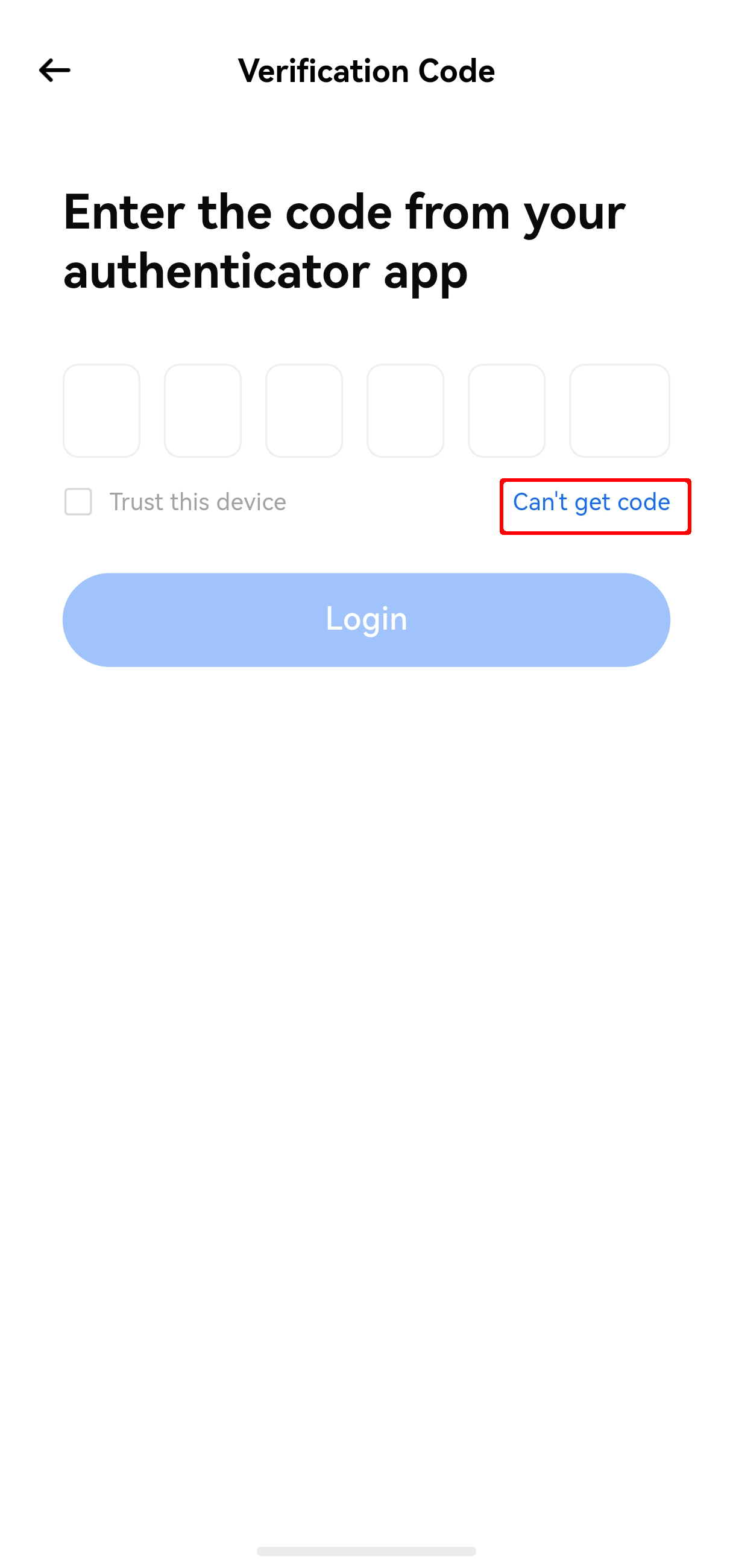
If you have bound a security email, click Cannot get code on the login verification screen. The system will send a one-time emergency verification code to your security email. Enter the code to complete login.
¶ Method 2: Use a Trusted Device
If you have previously set up a trusted device, you can log in to your account normally on that device, then manually disable two-factor authentication.
¶ Method 3: Contact Your System Administrator
If you are using a non-administrator account, please contact your administrator to have two-factor authentication disabled for your account.