
¶ Battery Abnormality Instructions
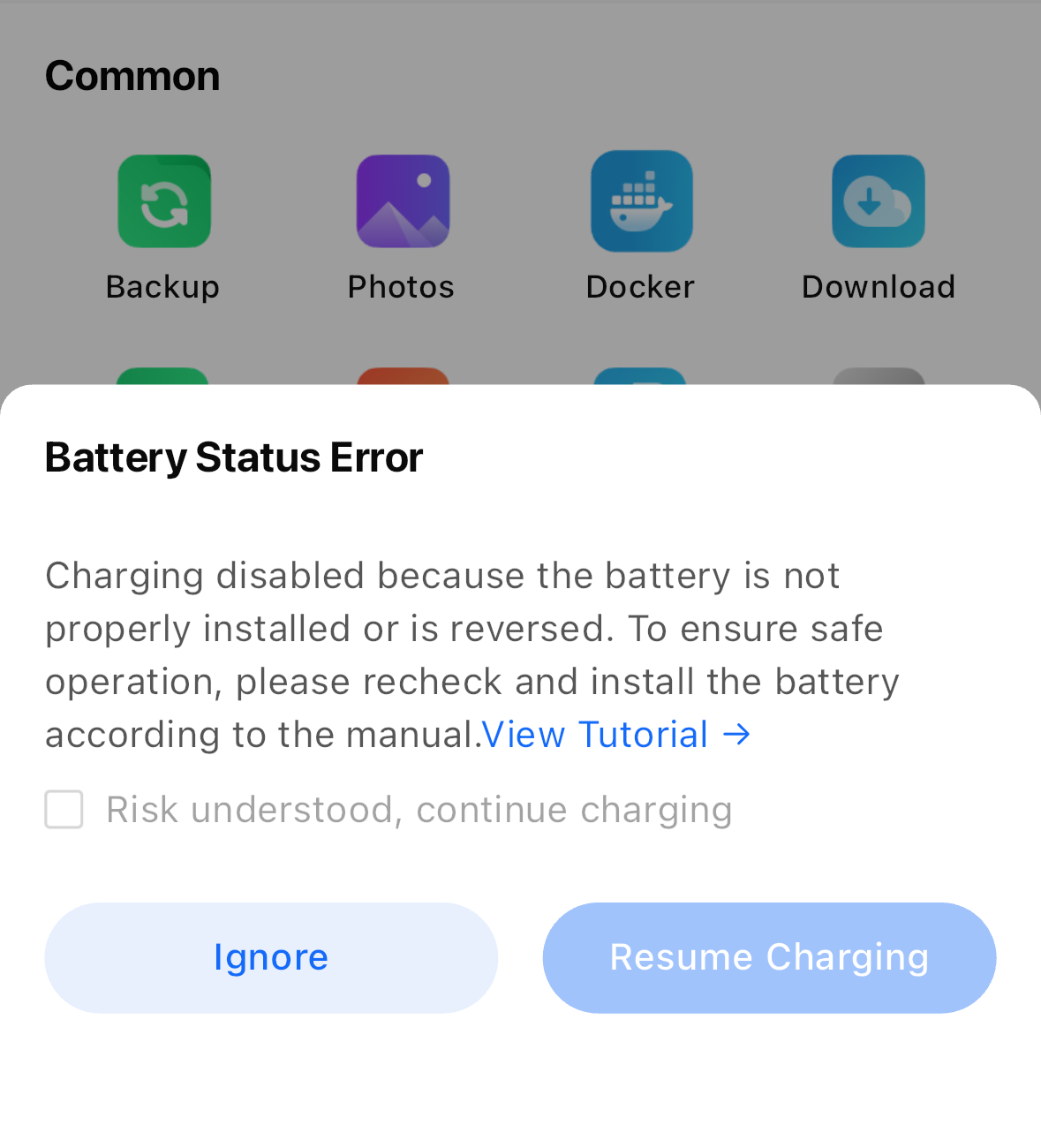
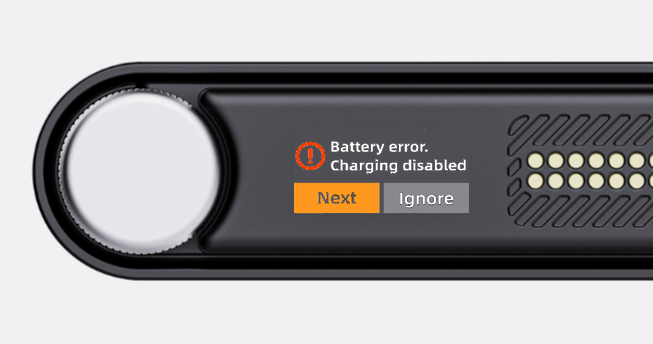
When the device detects a battery abnormality, the system will automatically stop charging to protect device safety, and send an alert via the built-in screen and client.
¶ Troubleshooting Steps
- Battery not installed: Please install the battery correctly before use.
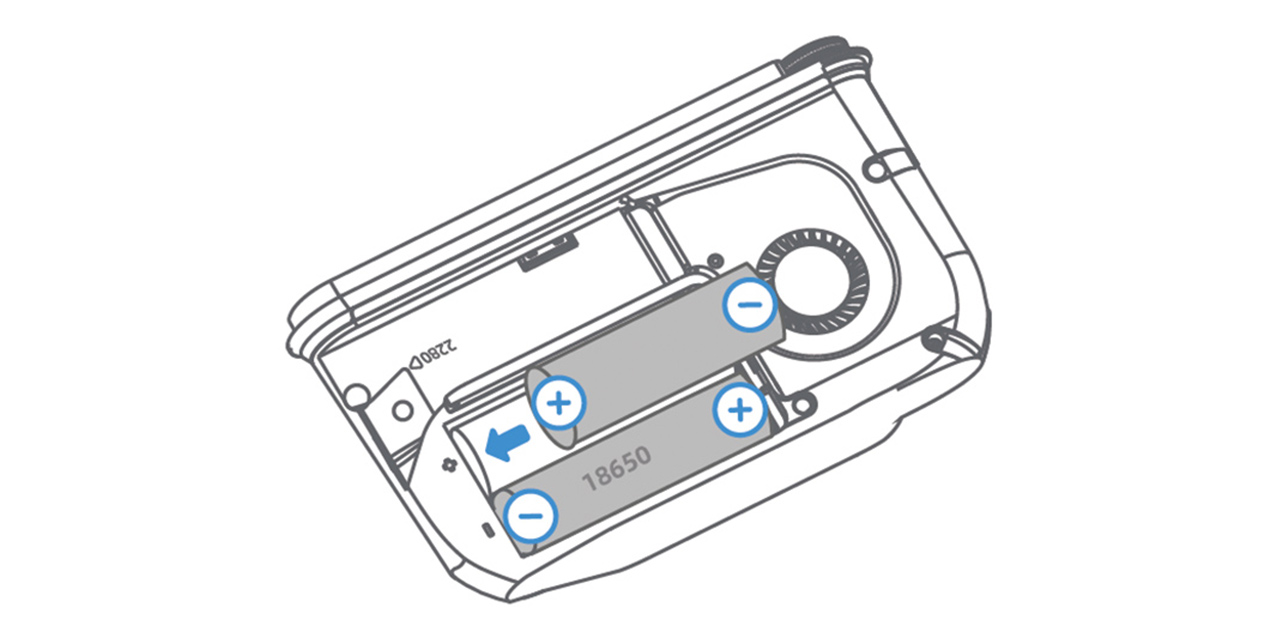
- Incorrect battery installation direction: If you have disassembled and reinstalled the battery, the positive and negative poles may be reversed. Please power off the device first, then install the battery according to the positive and negative markings on the device body.
- Battery low voltage protection: If the device runs out of power and remains uncharged for a long time, an abnormal prompt will appear when powered on again. After confirming the battery is installed correctly, start charging via the device screen or client to activate the battery protection board. It will return to normal automatically after a period of time.
- Battery damage: If none of the above situations apply, the battery is likely faulty. Submit feedback via the client and contact customer support for further inspection and handling.