¶ How to Initialize PocketCloud?
This guide explains how to initialize PocketCloud.
Note:
- During New Device Registration, both the new device and the client (mobile/desktop) must be on the same network. It supports WiFi or wired networks, but does not support WiFi Direct temporarily.
- New device registration can be done via the mobile or desktop client.
- When initializing via the mobile app, you need to enable Bluetooth and grant certain connection permissions. Just follow the on-screen prompts.
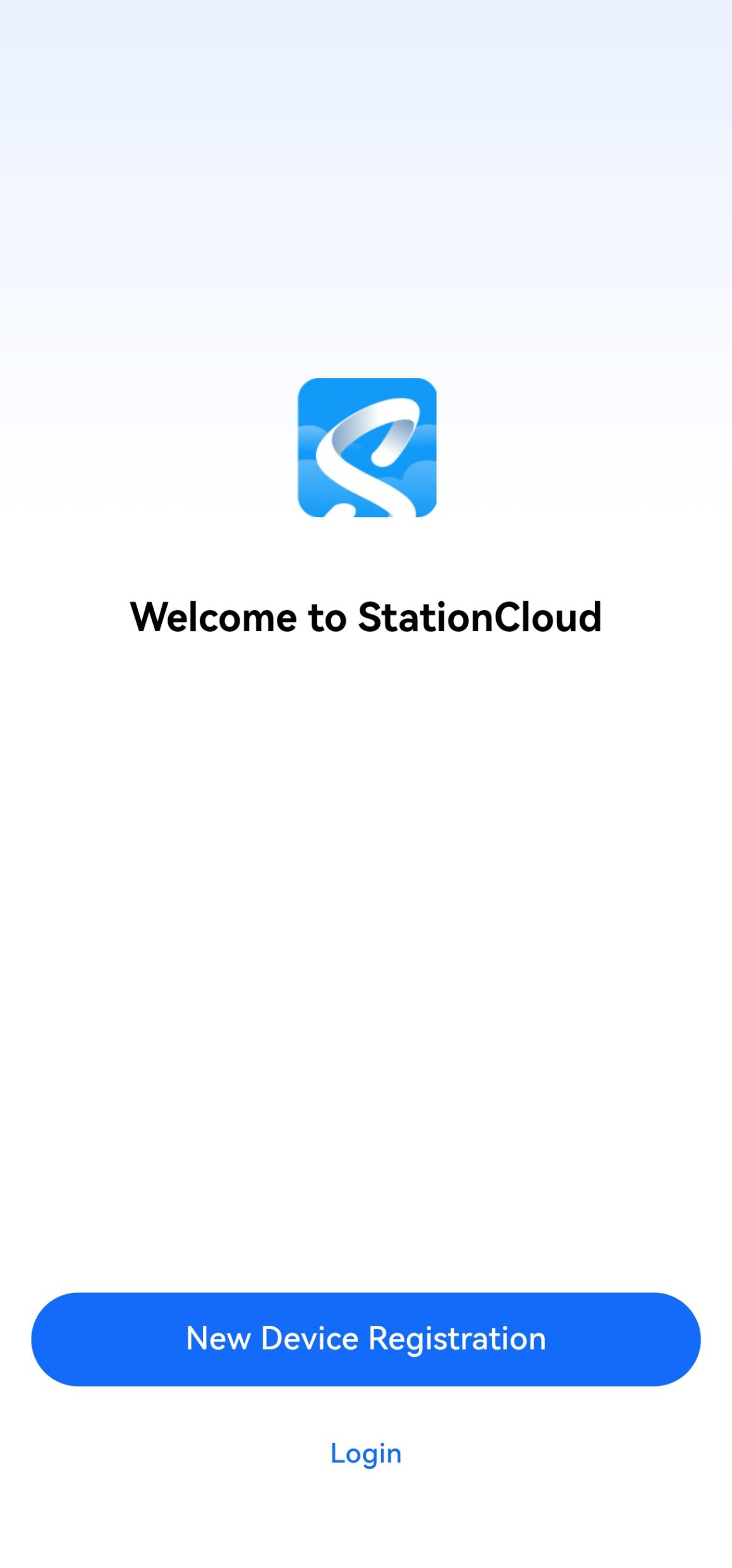
- Install the mobile app, open it, and select New Device Registration.
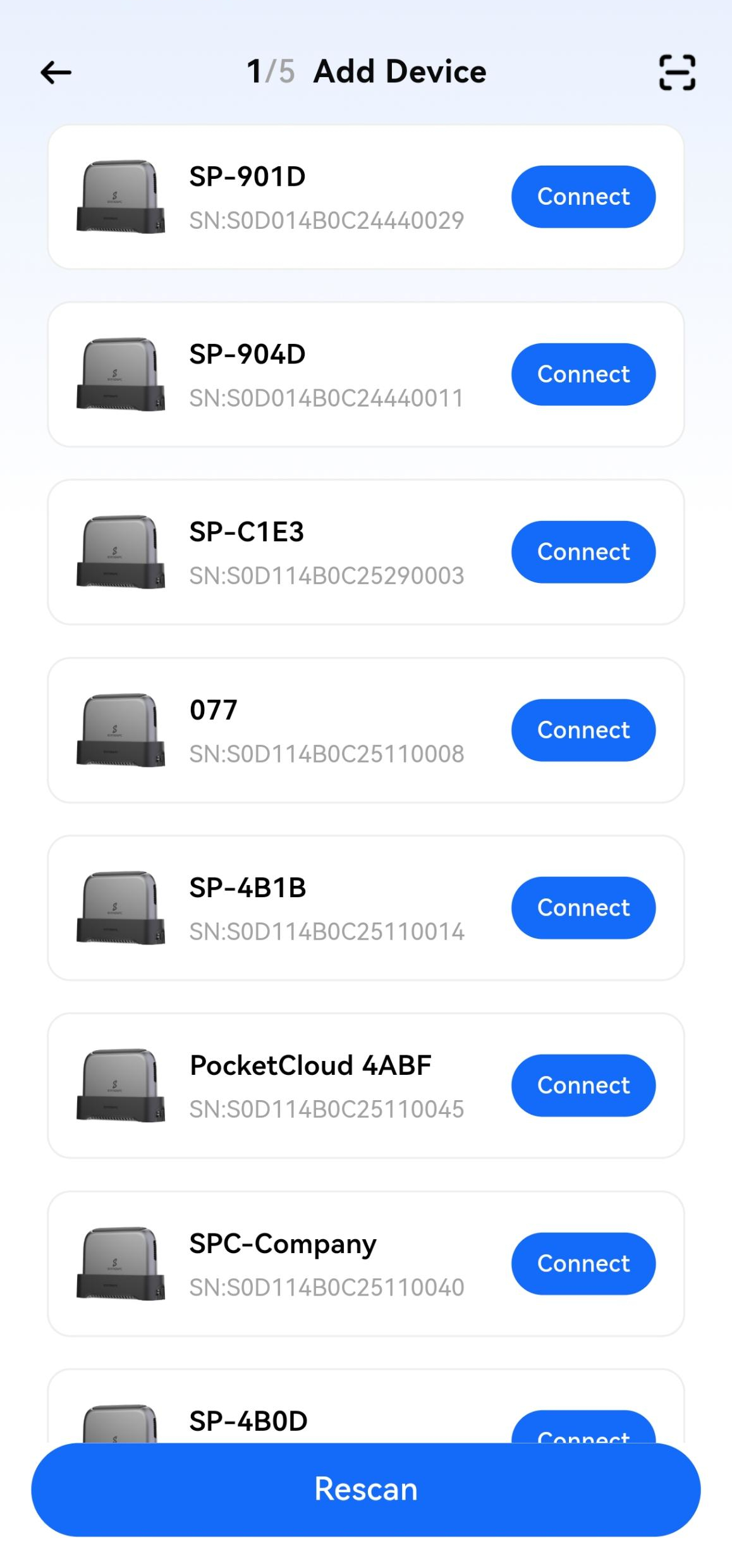
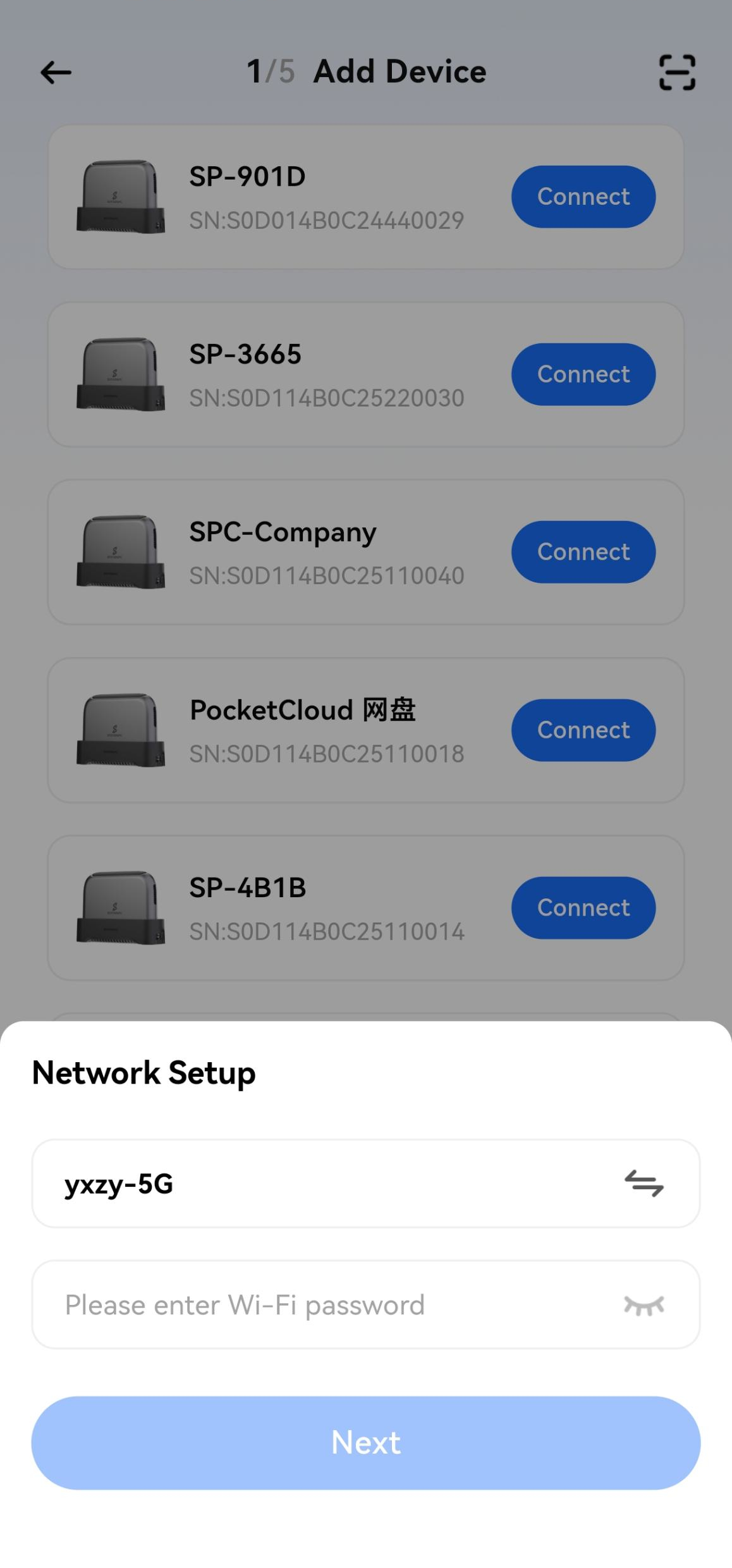
- Navigate to the scanned device list, select your device, and confirm the action on the PocketCloud device to start initialization.
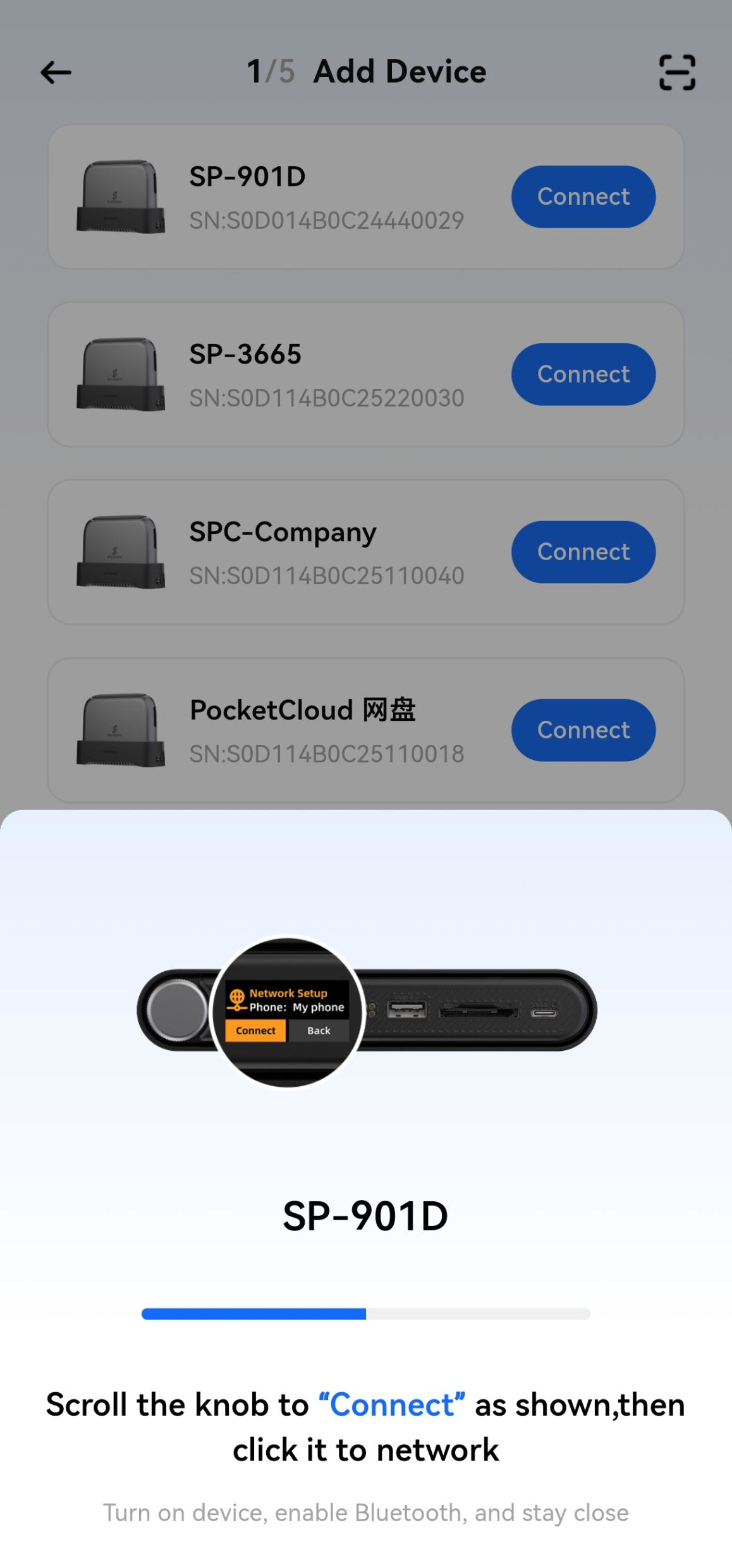
- During initialization, mobile phone and PocketCloud must be on the same LAN. PocketCloud can be initialized via a wired connection (through the dock) or WiFi.If using WiFi, follow the prompts to configure the WiFi network.
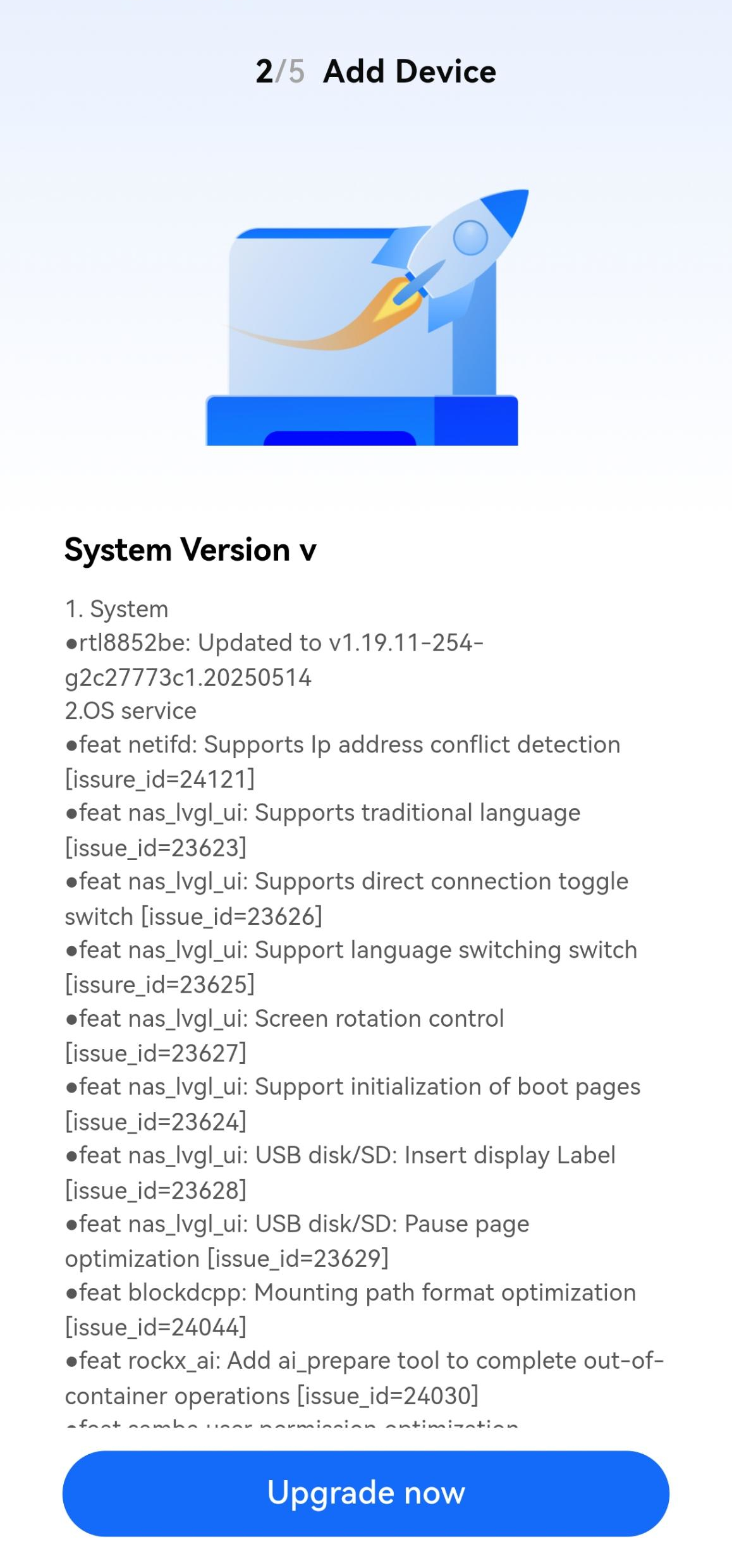
- After network configuration, the system will automatically check for firmware updates and prompt you to upgrade to the latest version; if no updates are available, it will skip this step automatically.
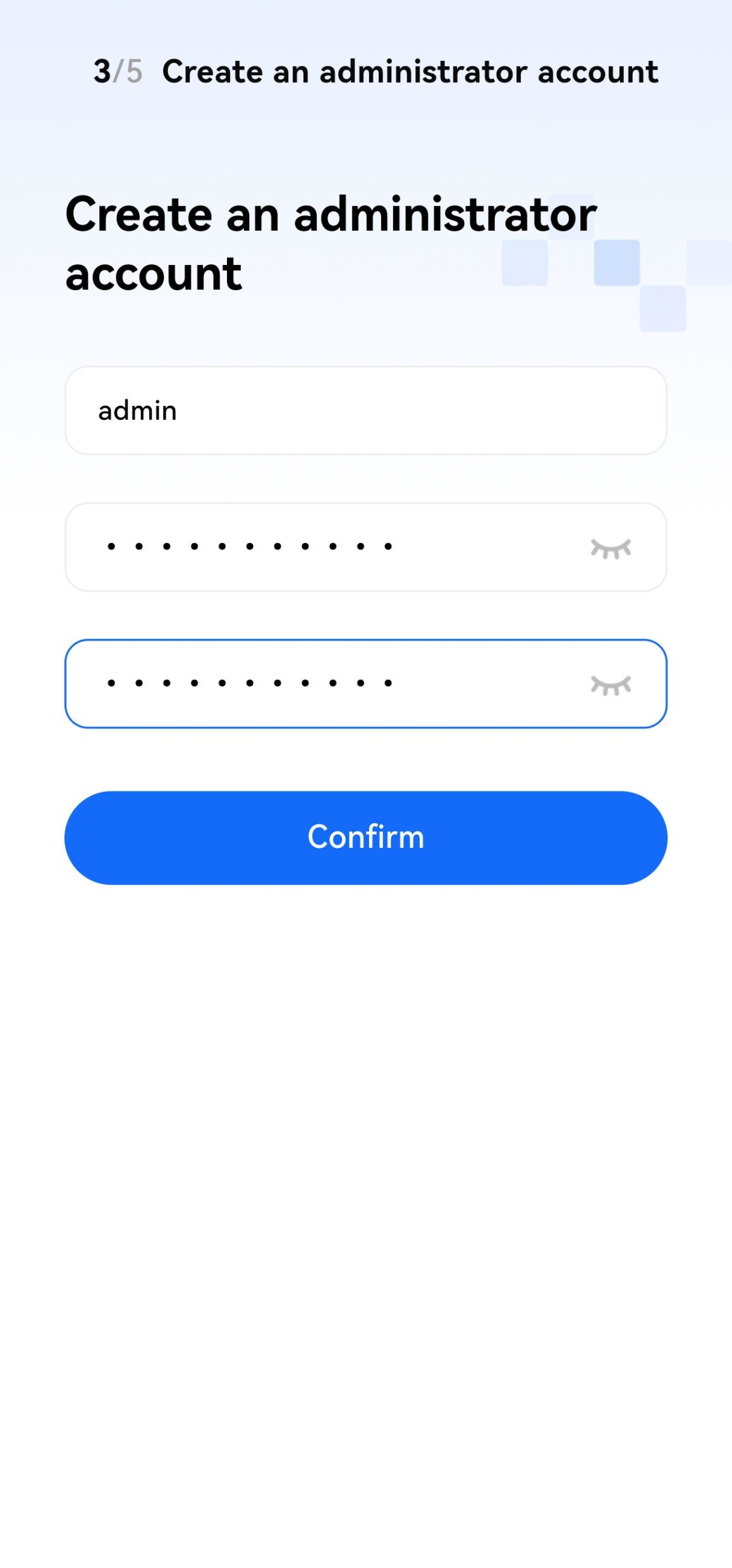
- Create an administrator account.
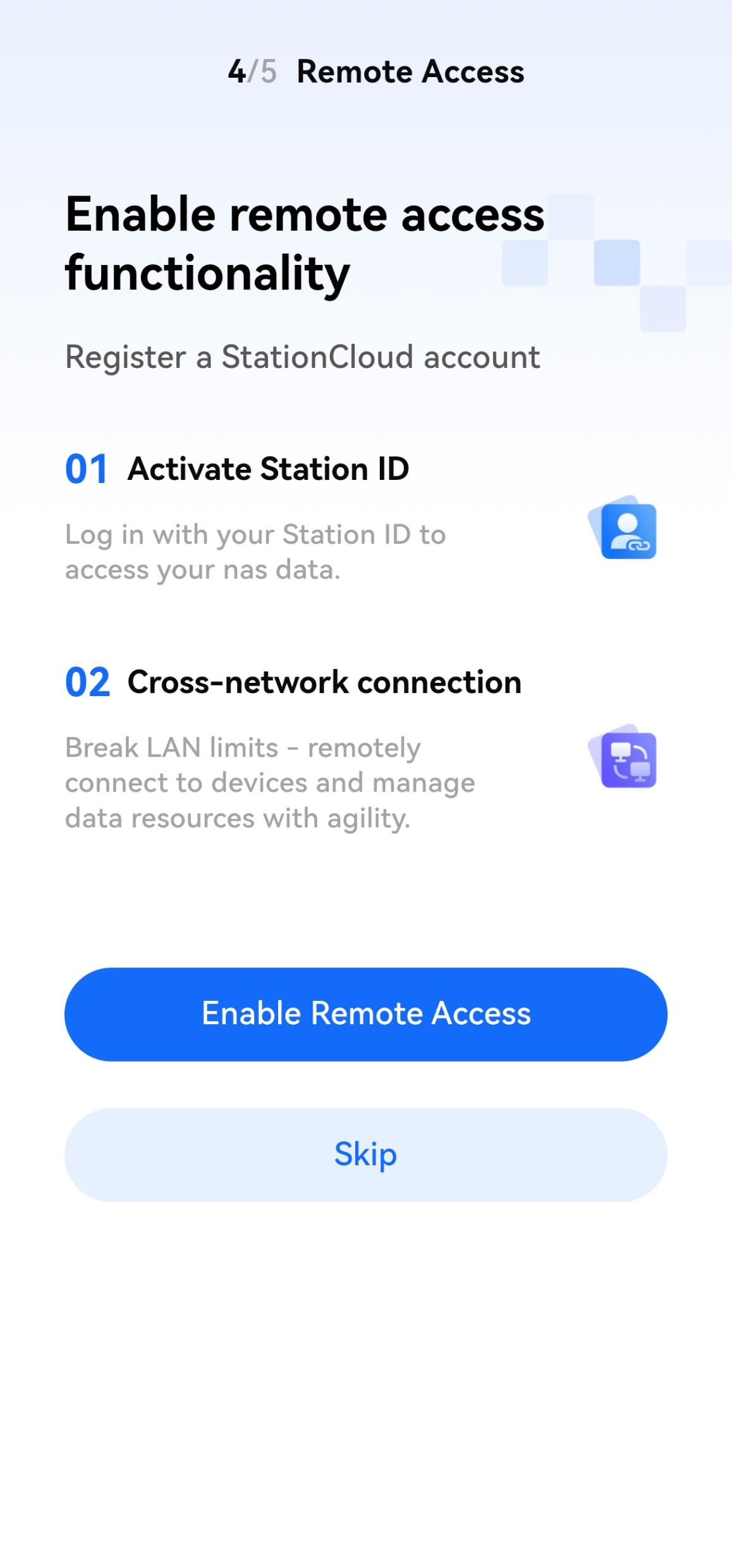
- Configure remote access (optional; you can enable it later in User Management on the Devices page).
- Setup complete. Now, enjoy your PocketCloud!