Station Cloud HelpHelp Center
PocketCloud
  • English
  • 简体中文
PocketCloud
Old Version
PocketCloud
  • Video Tutorial

  • Hardware Installation

  • Quick Start

  • Remote Access

  • Photos

  • Cinema

  • File

    • How to Create a Public Link Share for Files?
    • How to Create a Local Share for Other Users?
  • File Service

  • Backup

  • Docker

  • Settings

  • Compatible List

  • FAQ

  • Contact Us
  1. PocketCloud
  2. /
  3. File

  4. /
  5. How to Create a Local Share for Other Users?

¶ How to Create a Local Share for Other Users?

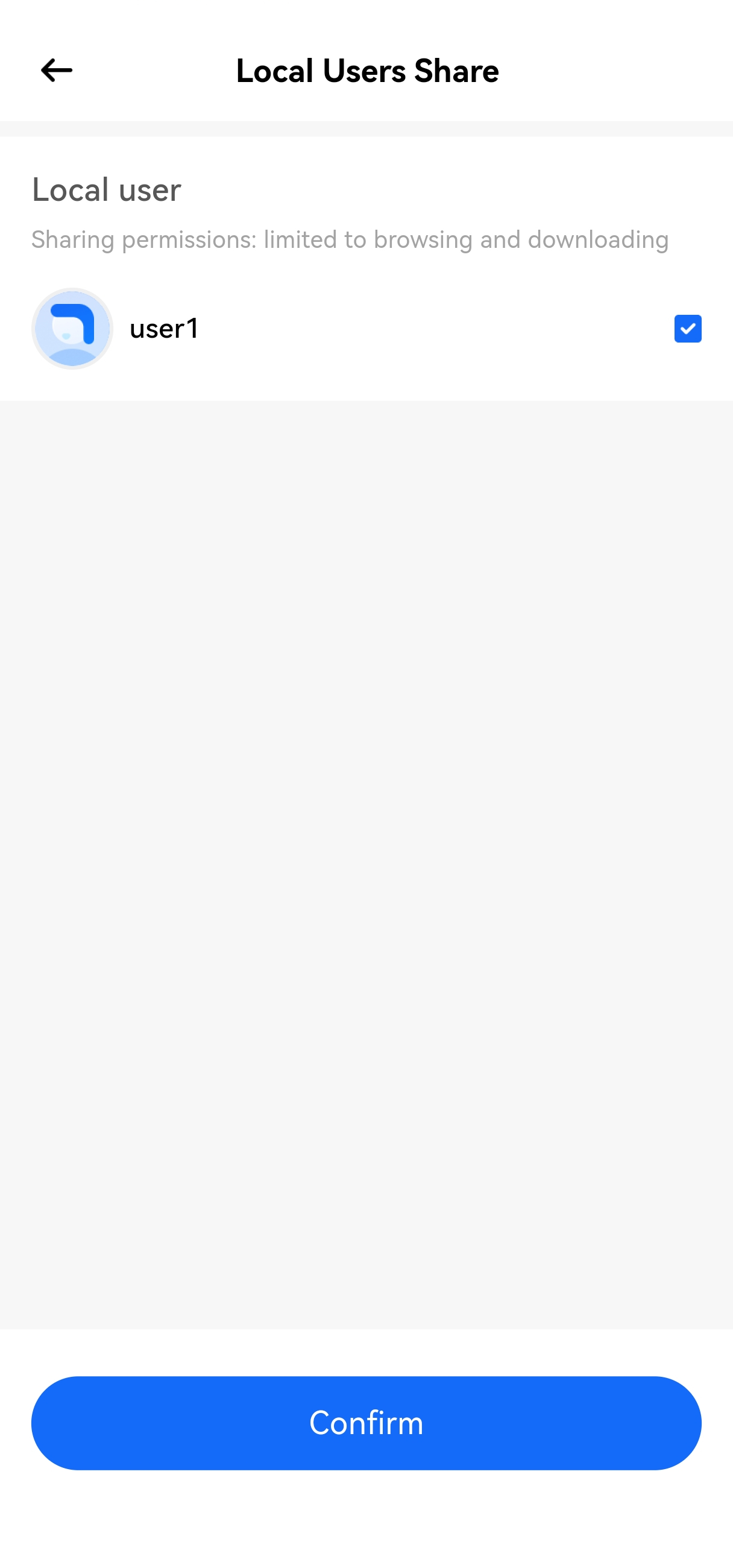
Storage spaces between different users are independent, and direct access to each other's files is not allowed. You can share files with other users by setting up shared files.

Note: At least 2 users must exist in the system to create local shares.

¶ How to Create a Local Share?

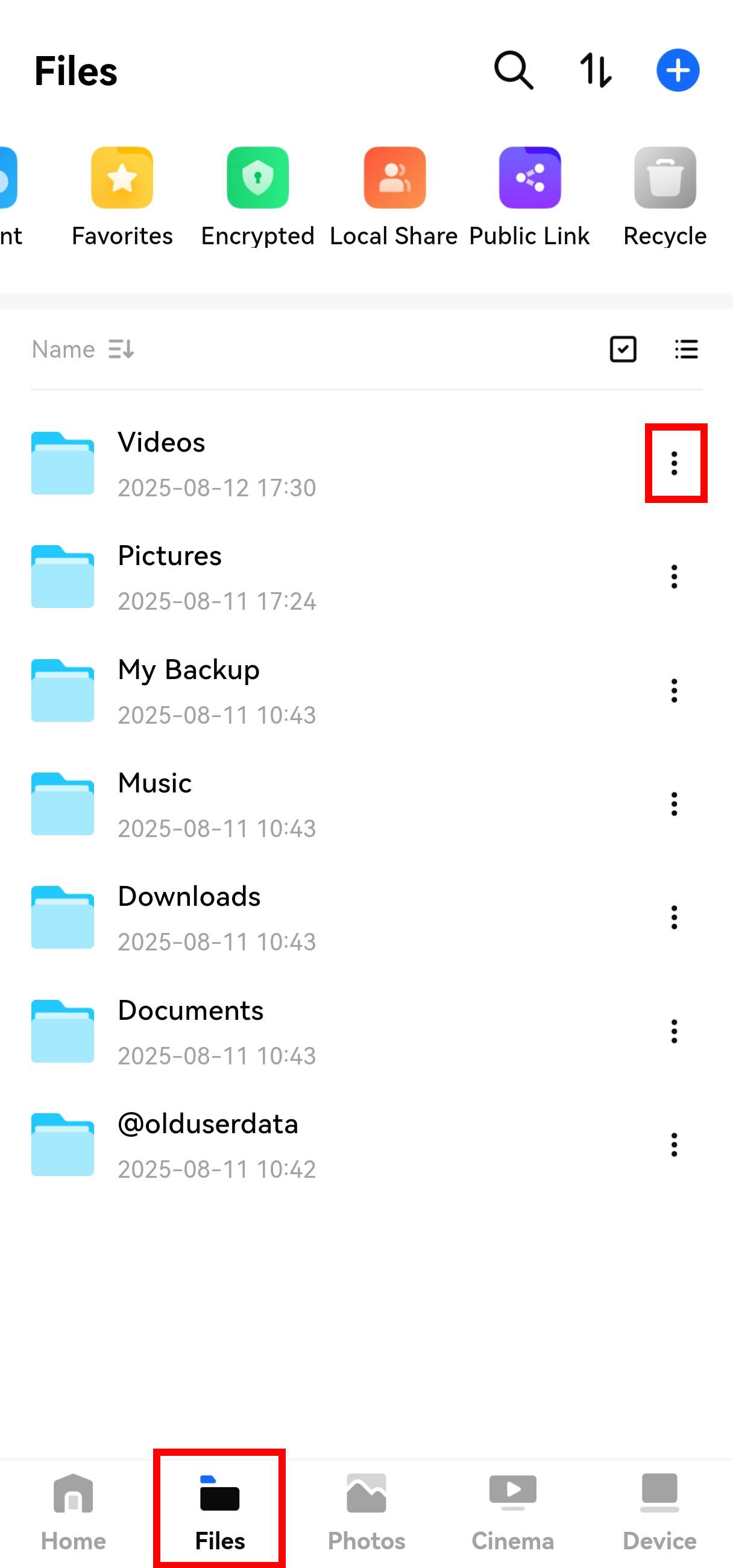
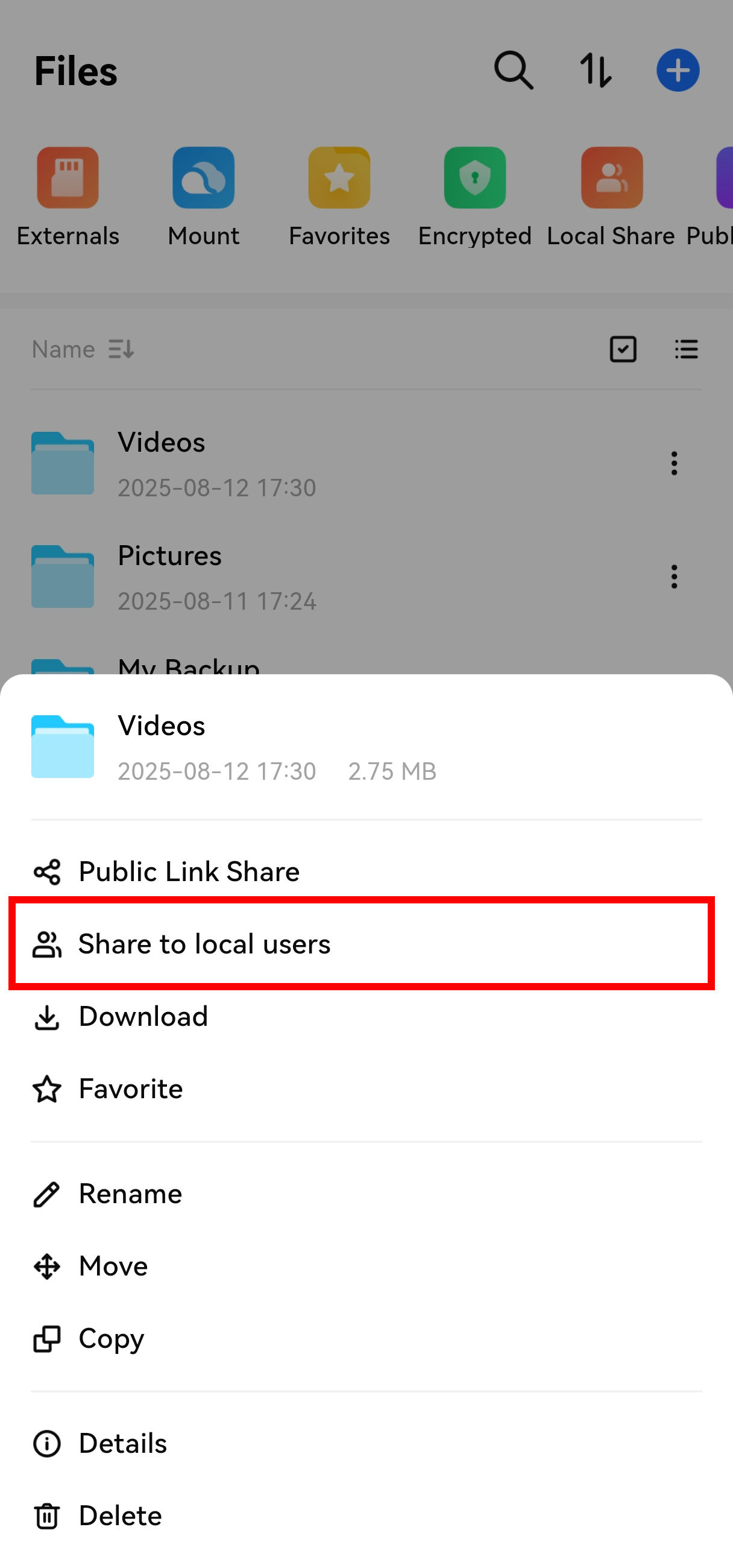
Go to the Files page, find the file/folder you want to share, tap the "More Options" menu on its right, and select "Local Share".
¶ How to Manage Local Shares?

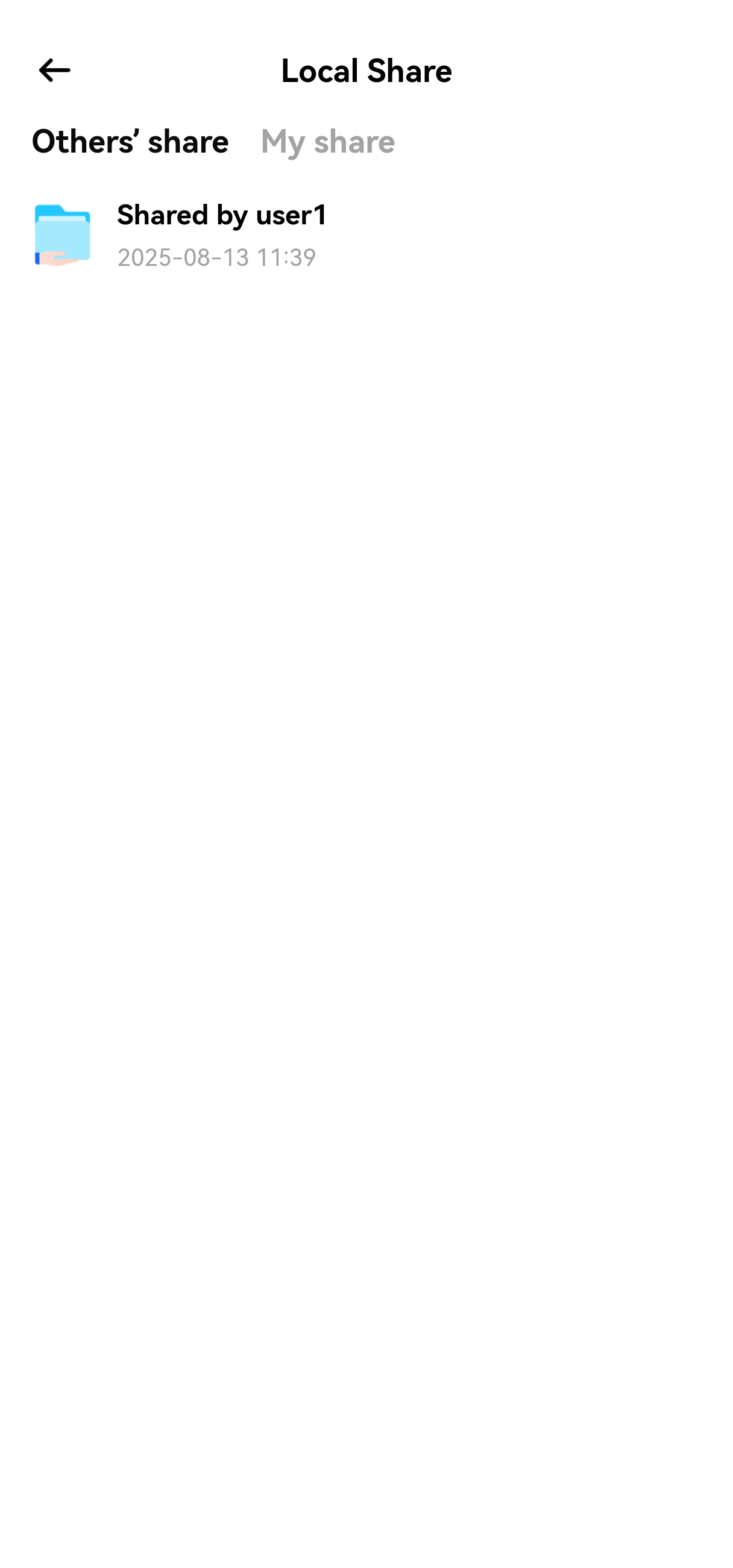
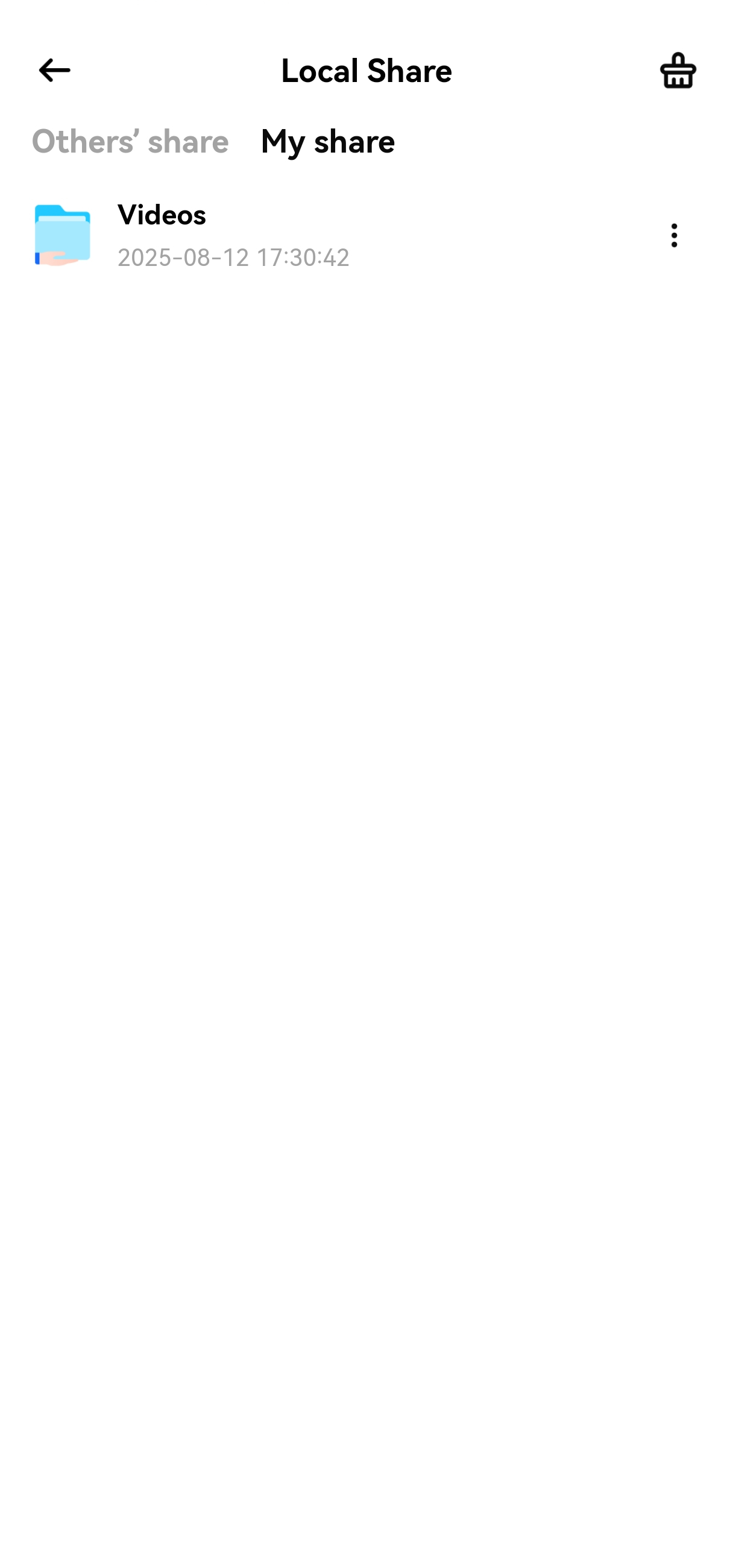
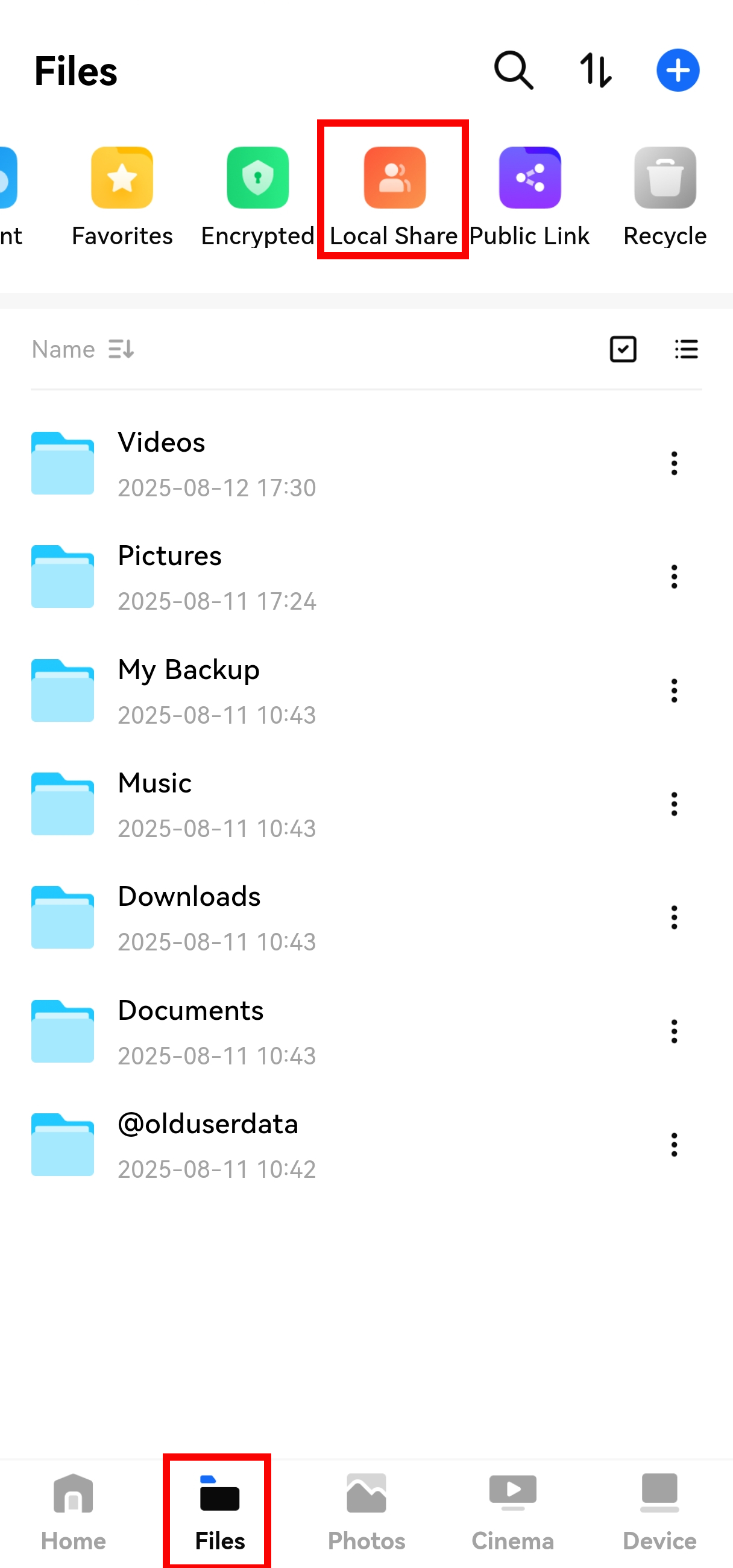
You can perform the following operations in Files > Local Shares:

  • View files shared with you by other users;
  • Manage all local shares you have created (e.g., edit or delete shares).
Prev: How to Create a Public Link Share for Files? Next: How to Access PocketCloud Files via NFS?
  • How to Create a Local Share?
  • How to Manage Local Shares?