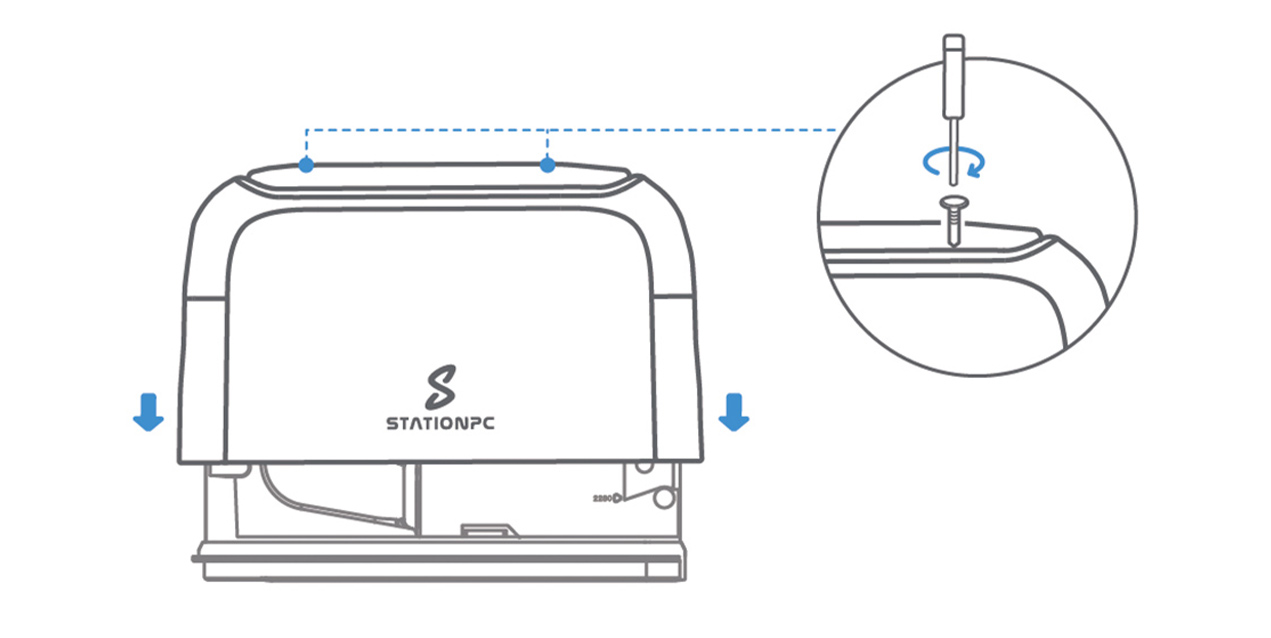
¶ Battery Installation
When the batteries age, they can be replaced. The operation is as follows:
¶ Operation Steps
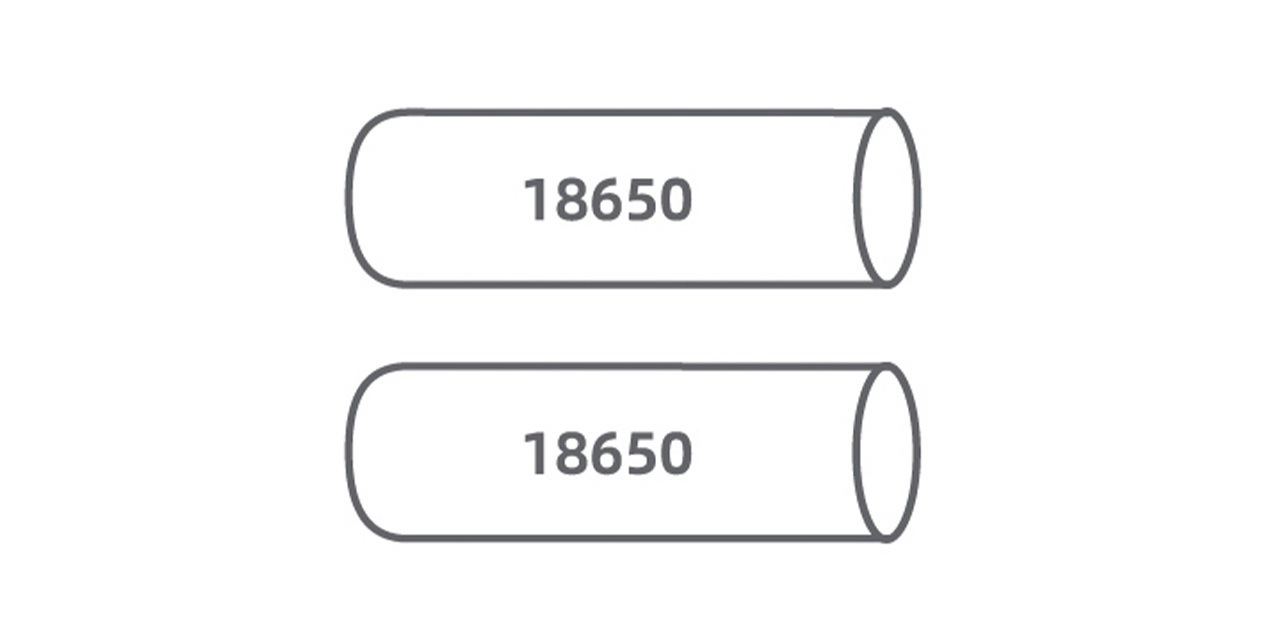
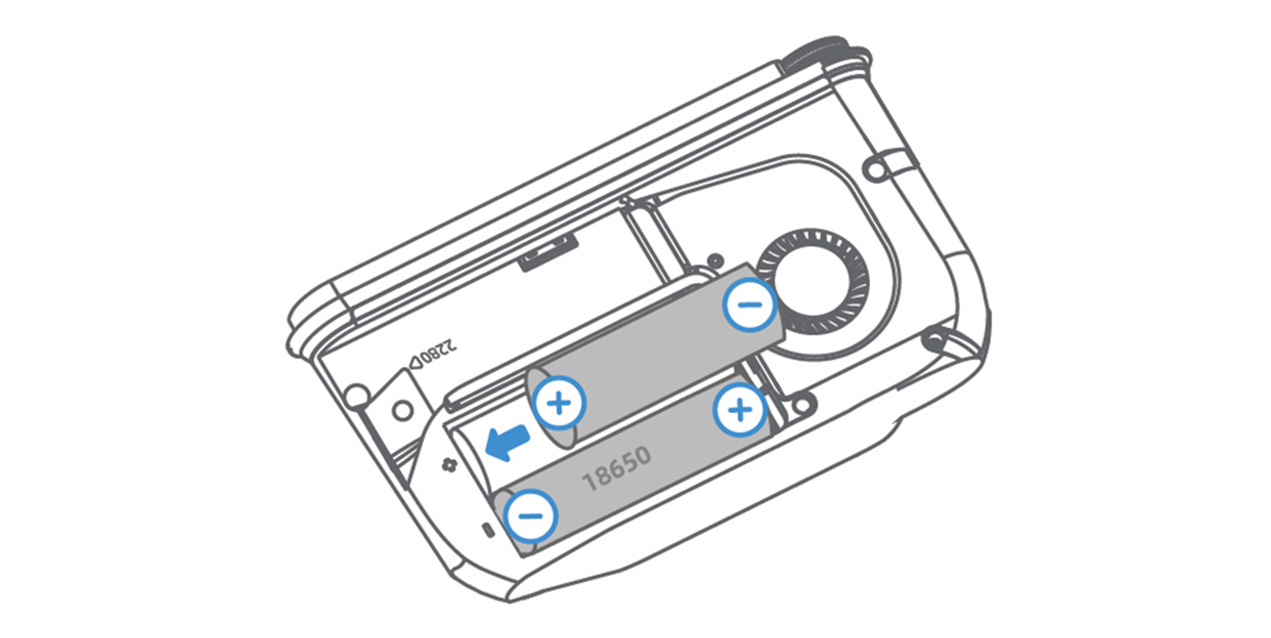
- Prepare two brand-new, unused 18650 (3.6/3.7V) batteries of the same model from a reputable/commonly available brand. A capacity of over 3000mAh is recommended. Do not use damaged or swollen batteries. Mixing new and old batteries is prohibited.
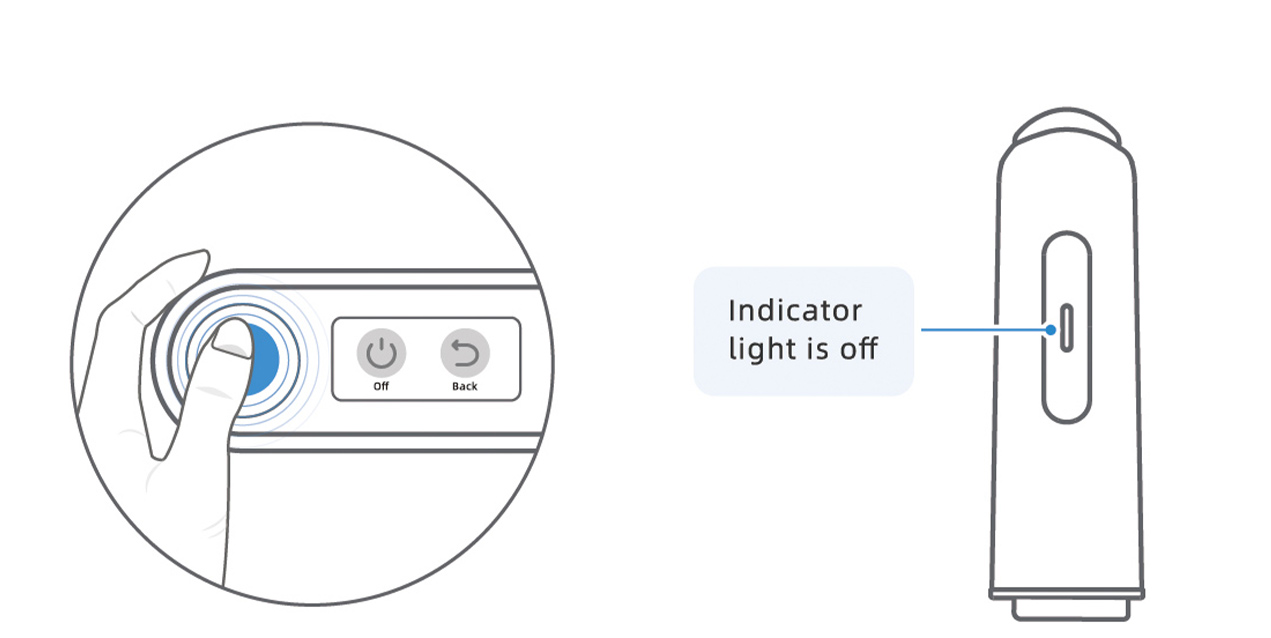
- Ensure the device is powered off and the indicator light is off.
- Using the screwdriver proceed to loosen the screws and remove the cover.
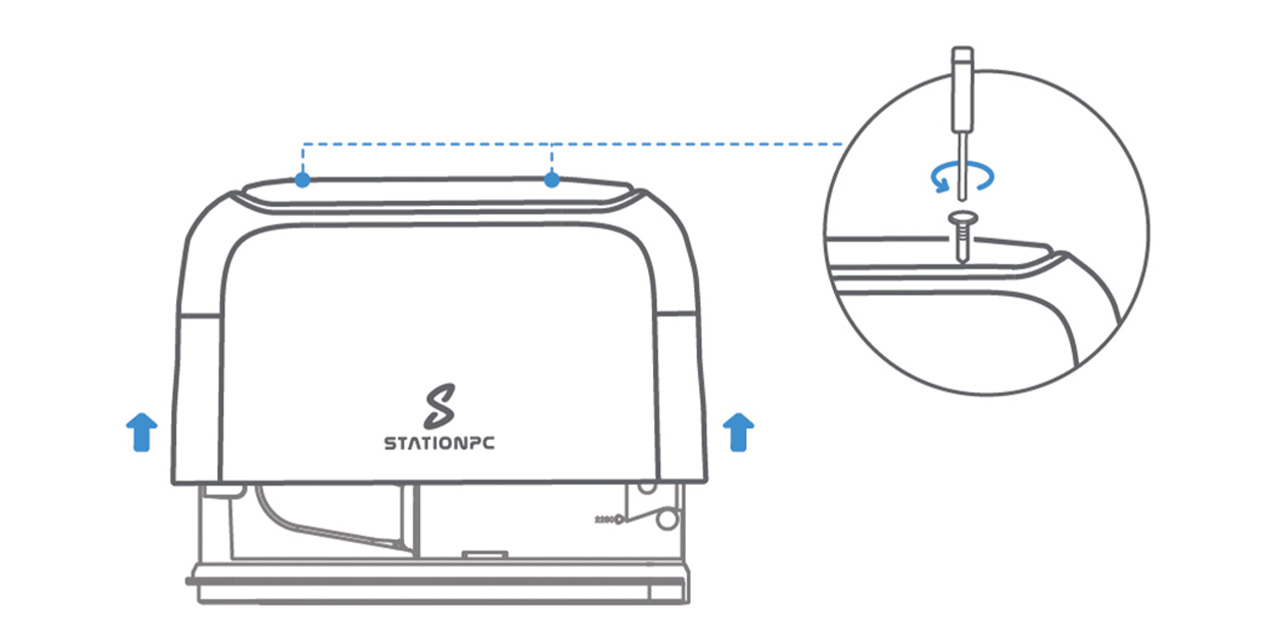
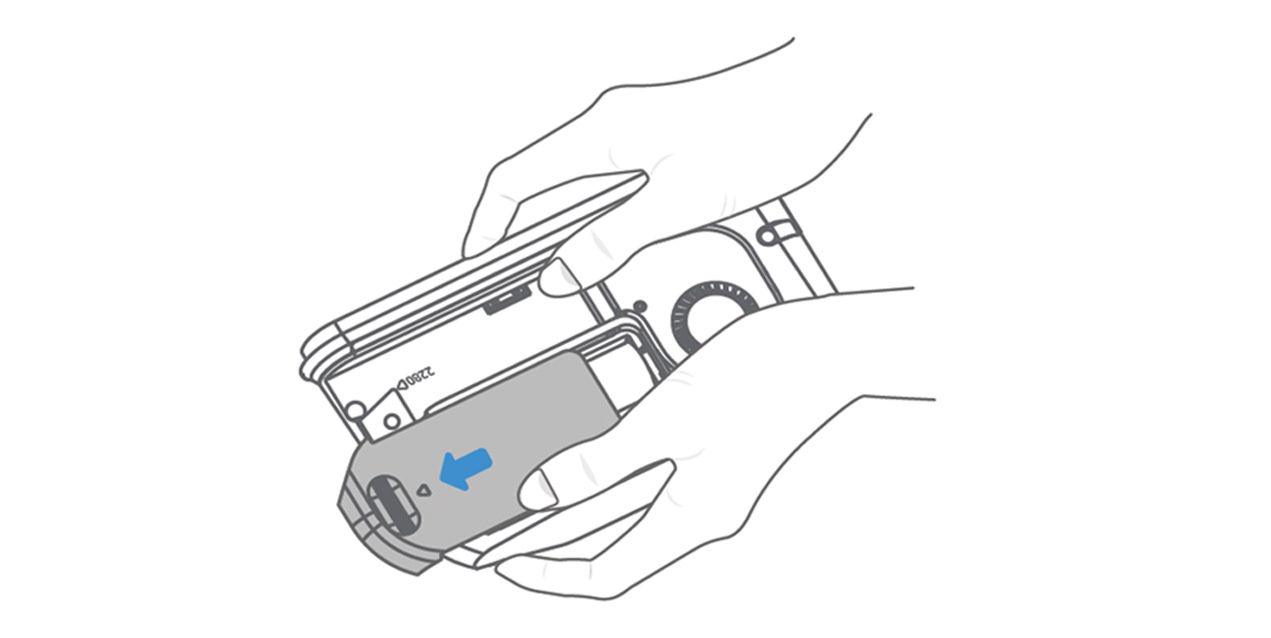
- Push the battery cover open in the direction of the arrow. Grab the PocketCloud with two hands, as shown in the illustration below. Then, push it forward with your thumbs.
- Insert new batteries with correct polarity, close the battery cover.
- Replace the cover and tighten the screws.